Already have the first frame?
Image to Video
Start with a portrait, product photo, or illustration. Describe the motion you want to add.
Find your next creative tool
Find an AI video generator for your next clip or an AI image generator for your next visual. Explore model guides, or open a generator to start creating.
 Kling 4.0 AI Video GeneratorExplore model
 Seedance 2.0 AI Video GeneratorExplore model
 Veo 3.1 AI Video GeneratorExplore modelKling 3.0 AI Video GeneratorExplore model
 MiniMax H3 AI Video GeneratorExplore model
 MiniMax H3 Max AI Video GeneratorExplore model
 Qwen Image 2.1Explore guide
 GPT Image 2.5 Flare GeneratorExplore modelGPT Image 2.5 Sunburst GeneratorExplore model
 Digen AIExplore guide
 Krea AIExplore guide
 NovelAIExplore guide
 VidrushExplore guide
 Magic HourExplore guide
Start with your idea
You do not need to settle on a model first. Choose what you want to make, then compare the available models inside the tool.
Already have the first frame?
Start with a portrait, product photo, or illustration. Describe the motion you want to add.
Have a scene in mind?
Describe the subject, action, and camera movement. Build a short clip without a starting image.
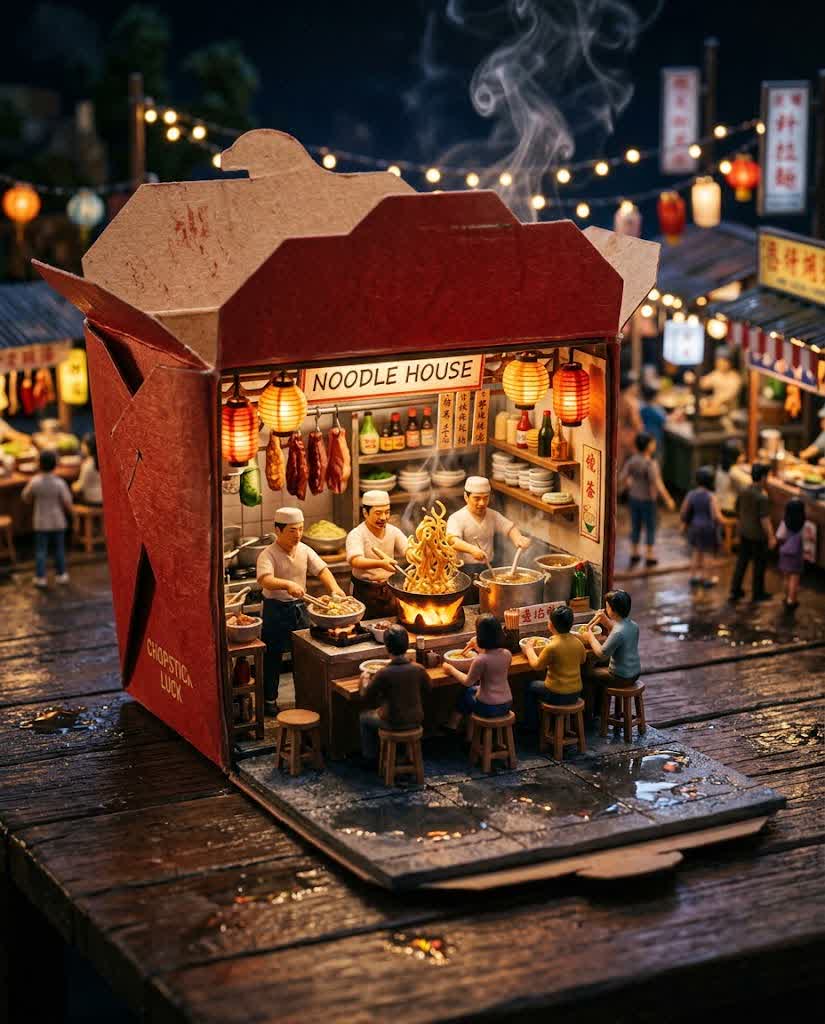
Need an image from scratch?
Put the scene into words, from a miniature world to a product concept. Choose a style and composition.
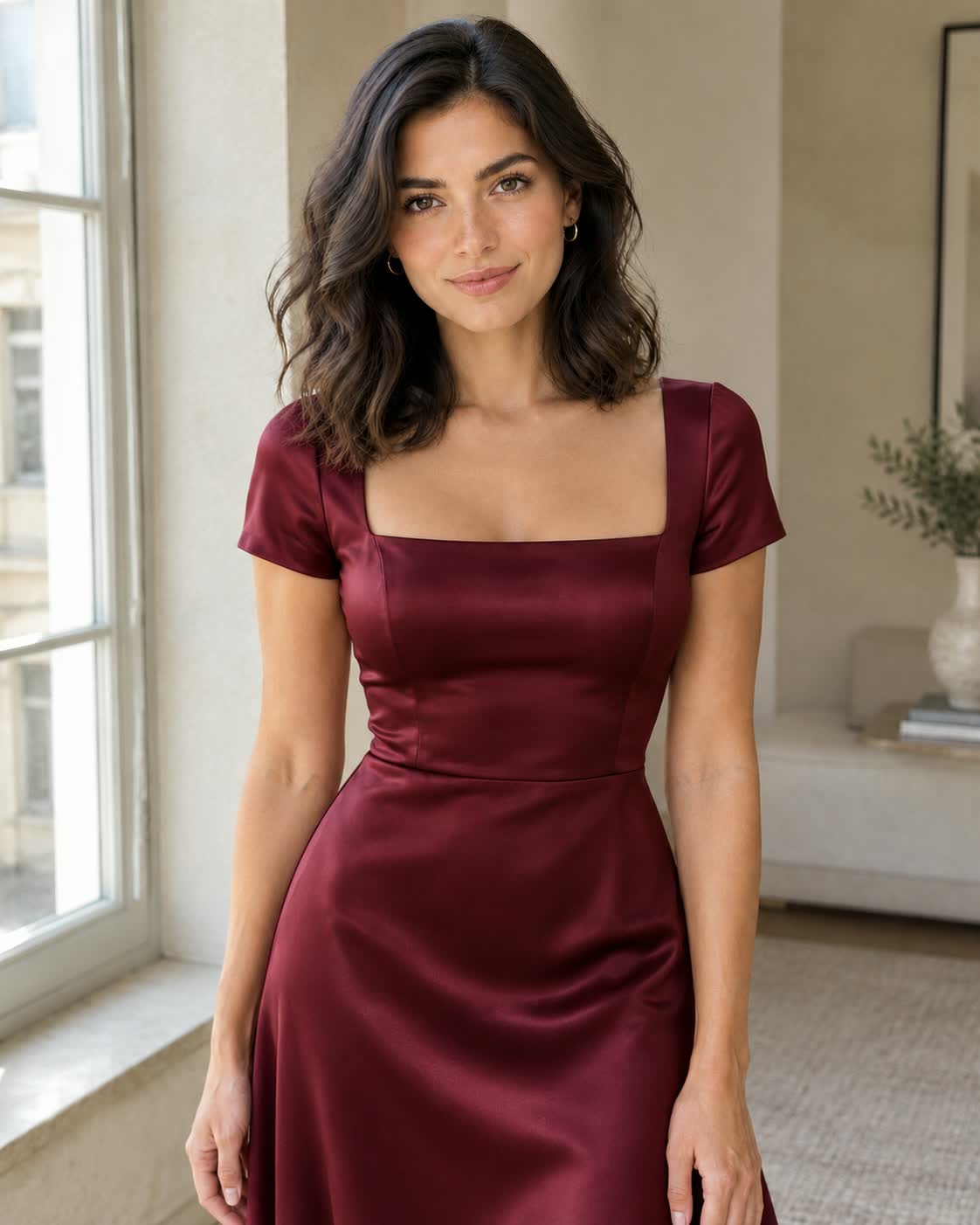
Want to change an existing image?
Upload a reference and describe the edit. Try a different outfit, background, or visual style.
Examples made with Froging AI. Available settings and generation cost depend on the model you choose.
Choose a starting point and understand the models and guides in this directory.
Start with the result you need: a still image, an edit to an existing image, or a short video. Filter the directory by image or video models, then check the model settings and generation cost in the generator before creating.
Entries marked “Open generator” open the Froging workspace with a model selected. “Explore model” opens a dedicated model page, while “Explore guide” opens an independent model or creative platform guide.
No. Creative platform guides explain other products and compare workflows. Any generator embedded in those guides is powered by Froging AI and uses your Froging account and credits; it is not an integration with the platform discussed.
Yes. Choose Image to Video to animate a starting image, or AI Image Editor to change an existing image. Supported inputs and settings depend on the model selected in the generator.