Froging creative library
AI Prompt Library for Images and Videos
Browse production-ready ideas for AI images and videos. Copy a prompt, adapt it, and create your own version.
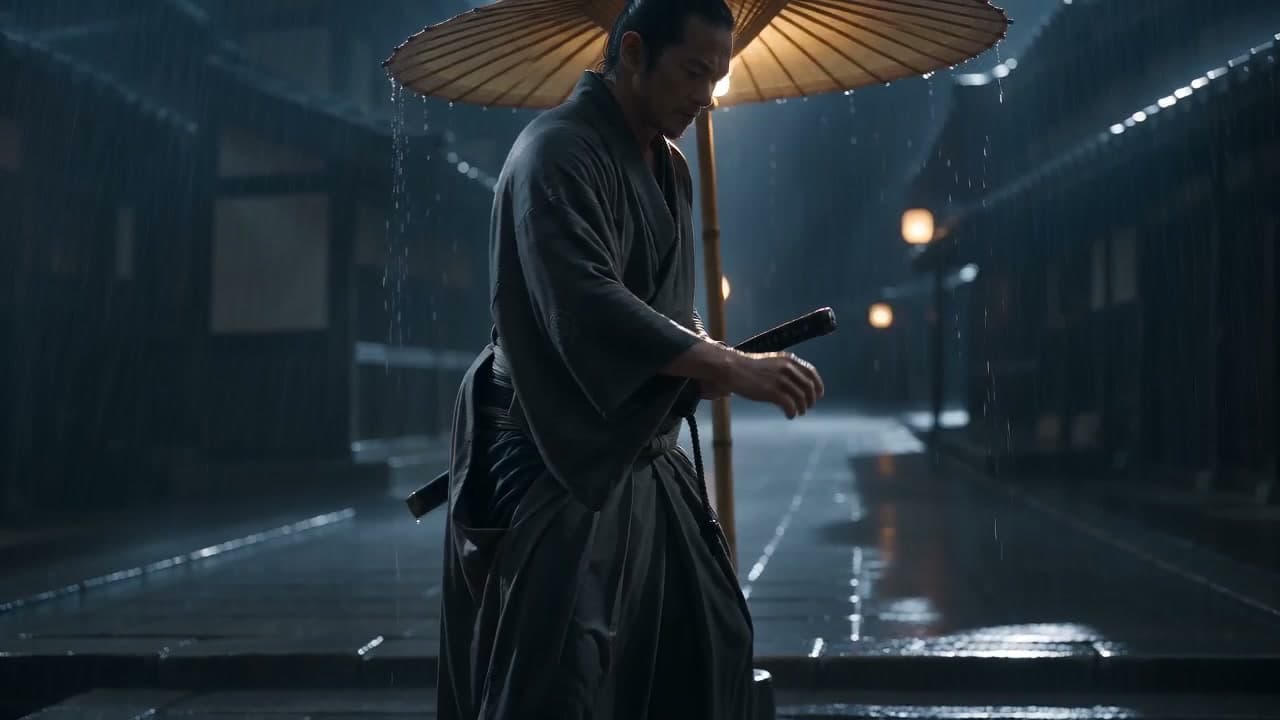
Text to Video Prompts
Explore production-ready prompts for cinematic scenes, motion, camera direction, VFX, and educational video.
Explore library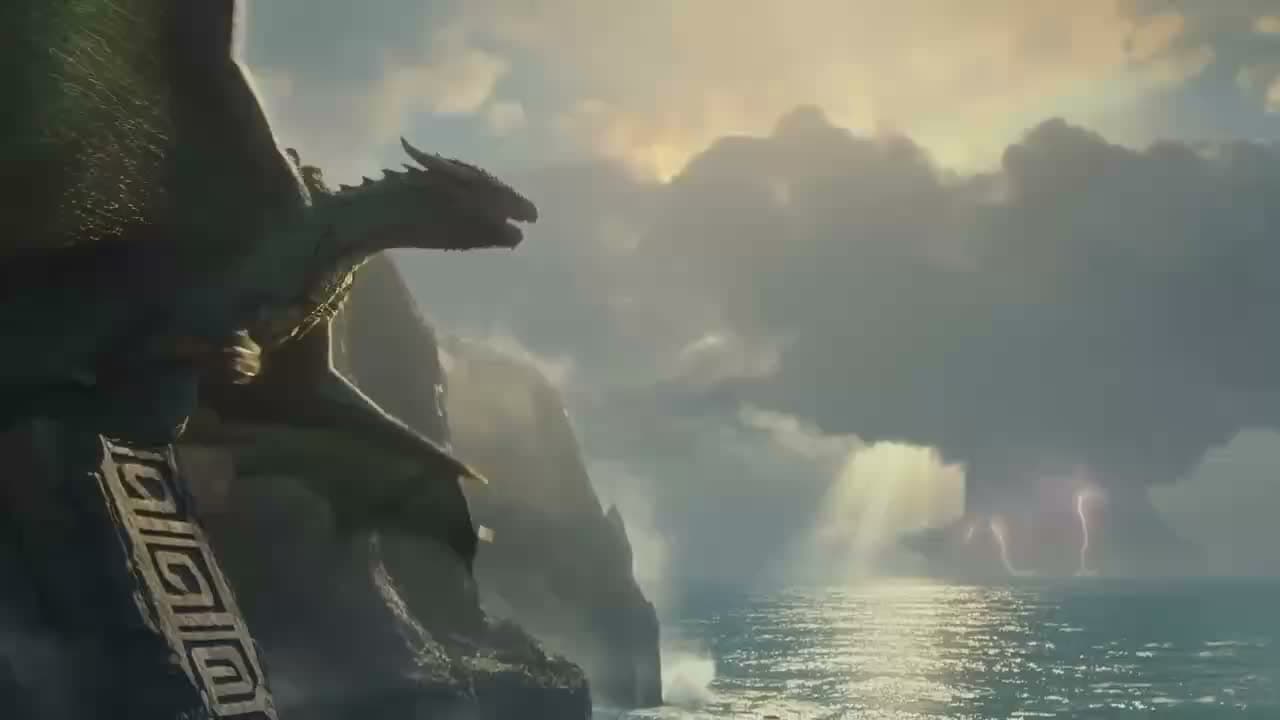
Image to Video Prompts
Turn portraits, products, landscapes, and artwork into video with prompts that control motion while preserving the source image.
Explore library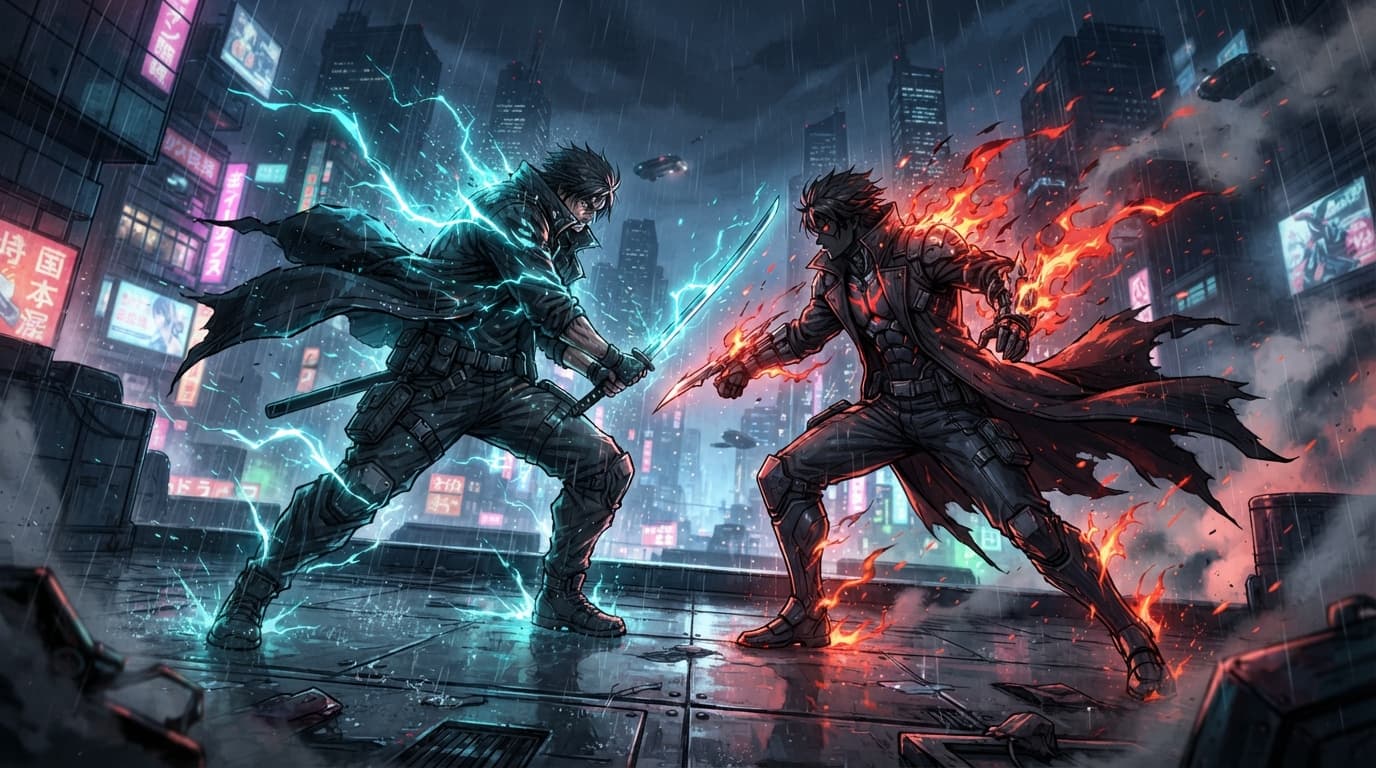
Text to Image Prompts
Browse polished prompts for portraits, products, fantasy art, landscapes, interiors, advertising, and more.
Explore library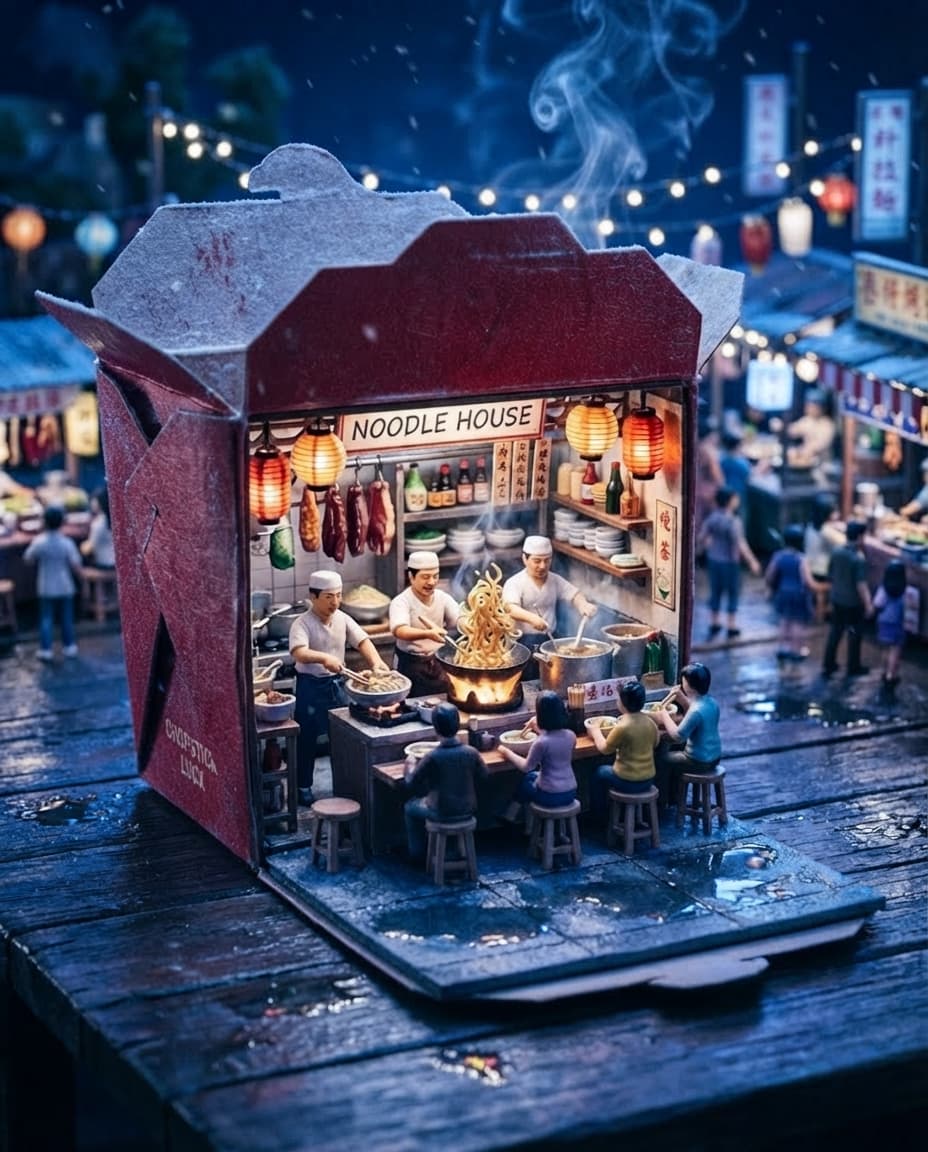
AI Image Editor Prompts
See real before-and-after edits for background replacement, wardrobe changes, material swaps, and seasonal transformations.
Explore libraryFour creative workflows, one practical library
Use text-to-image prompts to explore a fresh visual from scratch, then move into image-to-image when you need a controlled change such as new clothing, packaging, weather, material, or background. Every example is organized around a recognizable creative outcome instead of a generic list of style words.
For motion, text-to-video prompts combine subject action, camera direction, lighting, and timing. Image-to-video prompts begin with an existing frame and explain which elements should move, which details must stay stable, and how the camera should support the scene.
The examples cover portraits, social formats, products, advertising, food, architecture, anime, action, comedy, fantasy, and visual effects. Filter each focused collection by category to find a useful starting point.
Copy any prompt and adapt the subject, setting, aspect ratio, or motion for your project. Treat the result as a starting recipe: generate a version, compare it with your intent, and refine only the parts that need more control.
AI prompt library FAQs
Choose a workflow and make each prompt your own.
Which prompt library should I start with?
Choose text to image or text to video to create from a written description. Choose image to video to animate an existing image, or AI image editor prompts to change an image’s background, clothing, materials, or season.
Can I copy and adapt these prompts?
Yes. Open a collection, choose an example, and copy its prompt. Adapt the subject, setting, style, or motion to fit your own project.
Where can I see the generated examples?
Each collection pairs prompts with generated images or videos. Image editing and image to video examples include Original and Result panels so you can compare the source with the output.