Toolbar popup
Choose Text to Video, Image to Video, Text to Image, or the AI Image Editor, write a prompt or pick a built-in idea, and press Generate.
Free Chrome extension
Type an idea in your toolbar or right-click any sentence on the web. Froging AI opens with the prompt filled in, ready to turn into an AI video or image.
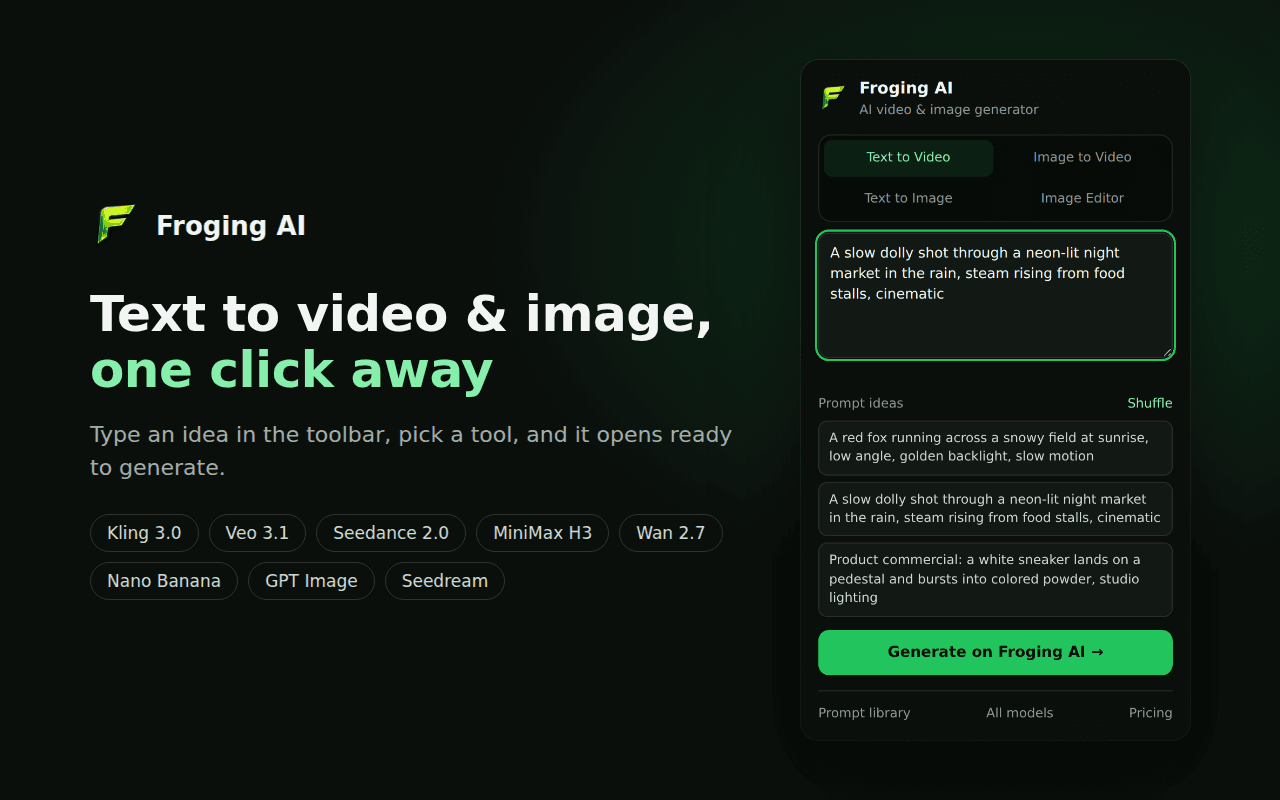
Choose Text to Video, Image to Video, Text to Image, or the AI Image Editor, write a prompt or pick a built-in idea, and press Generate.
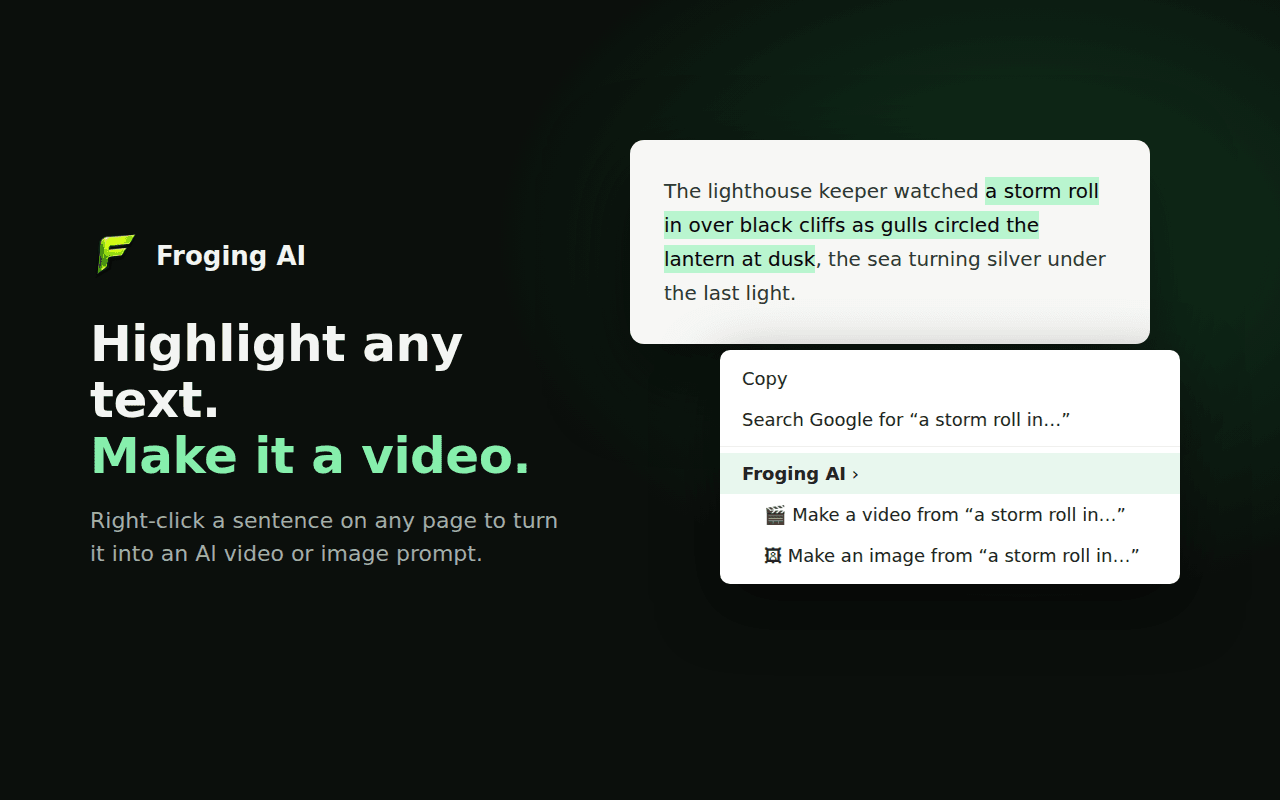
Highlight a line in an article, script, or note, right-click, and choose to make a video or an image from it. The selected text becomes your prompt.
Install the extension from the Chrome Web Store and pin Froging AI to your toolbar.
Type an idea in the toolbar popup, or select any sentence on a web page and right-click it.
Froging AI opens with your prompt already filled in. Pick a model and generate.
The extension asks for only two permissions: the right-click menu and local storage. It never reads the pages you browse, it only runs its script on froging.ai, and it does not collect or sell data. See our privacy policy.
Learn how the extension connects your browser to Froging AI.
It puts the Froging AI text to video, image to video, AI image generator, and AI image editor one click away. You write a prompt in the toolbar popup or right-click highlighted text, and Froging AI opens with that prompt ready to generate.
Yes. The extension is free to install. Generations run on froging.ai and use your Froging AI credits, and new accounts can start for free.
Every model available on Froging AI, including Kling 3.0, Veo 3.1, Seedance 2.0, MiniMax H3, Wan 2.7, Nano Banana, GPT Image, and Seedream. You choose the model on the Froging AI page after your prompt opens.
No. It only sees text you choose to send by right-clicking a selection. Your prompt is kept in local extension storage until the Froging AI page opens, then deleted. The extension does not collect or sell any data, and its script runs only on froging.ai.
Yes. These browsers are built on Chromium and can install extensions from the Chrome Web Store.