4 effects · one or two photos in, one video out
AI Video Effects
Turn your photos into a trending video without writing a prompt. Each effect comes with its own motion, scene and timing: upload one photo (two for Hotel Lobby), check the price and generate. For full control over the motion, use Image to Video instead.
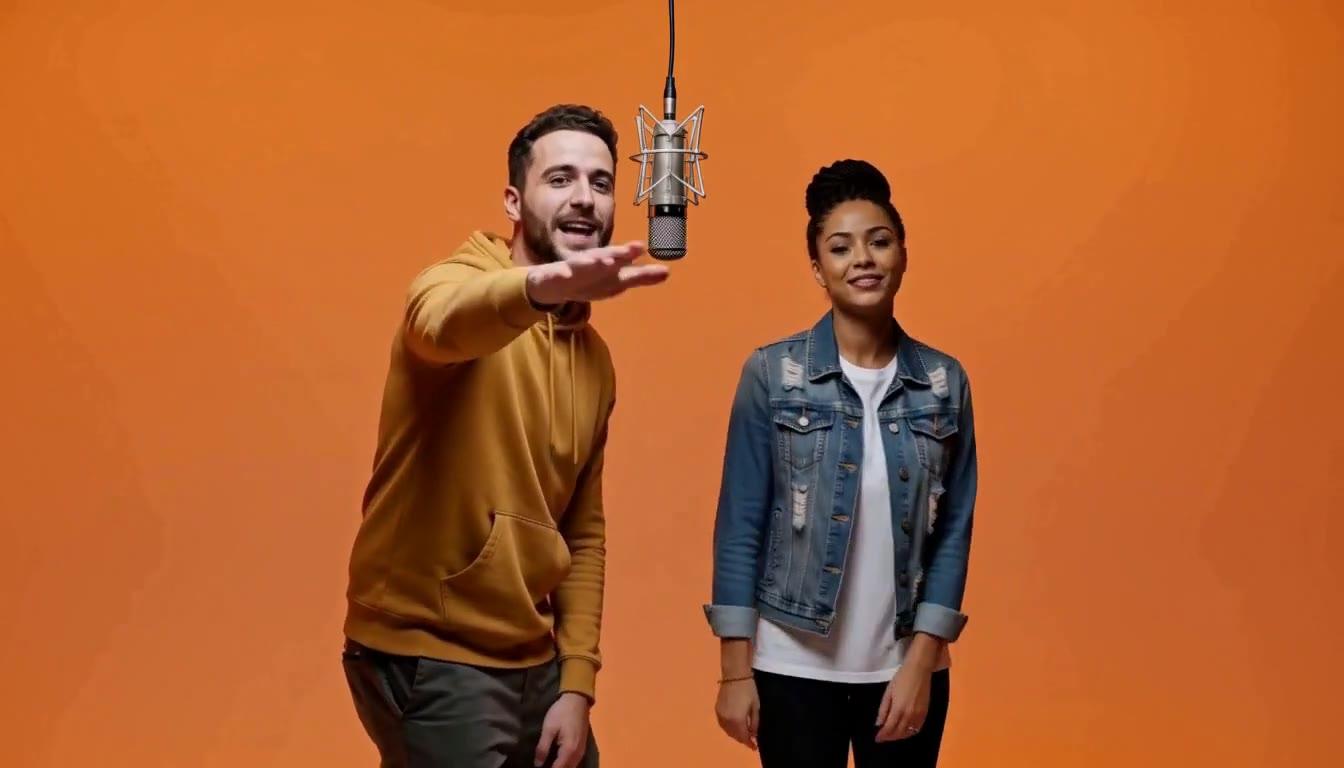
Hotel Lobby AI Video
Two people, pets or characters trade rap lines around one microphone in a bright orange studio. Photo 1 performs on the left, photo 2 on the right.
- Input
- Two photos, one per performer
- Output
- 15-second 720p video with sound
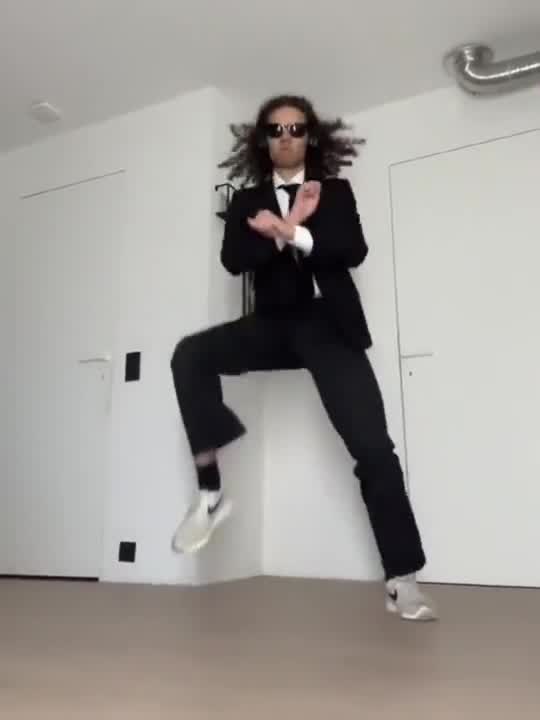
Gangnam Style AI Dance
The person in your photo does the horse-riding dance from the 2012 hit, following a built-in motion reference.
- Input
- One photo
- Output
- 10-second 720p video
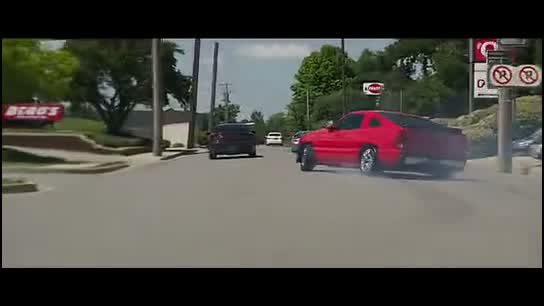
Need for Speed AI Video
Put your car or pickup in a cinematic small-town drift scene with tire smoke and engine sound.
- Input
- One vehicle photo
- Output
- 15-second widescreen 720p video
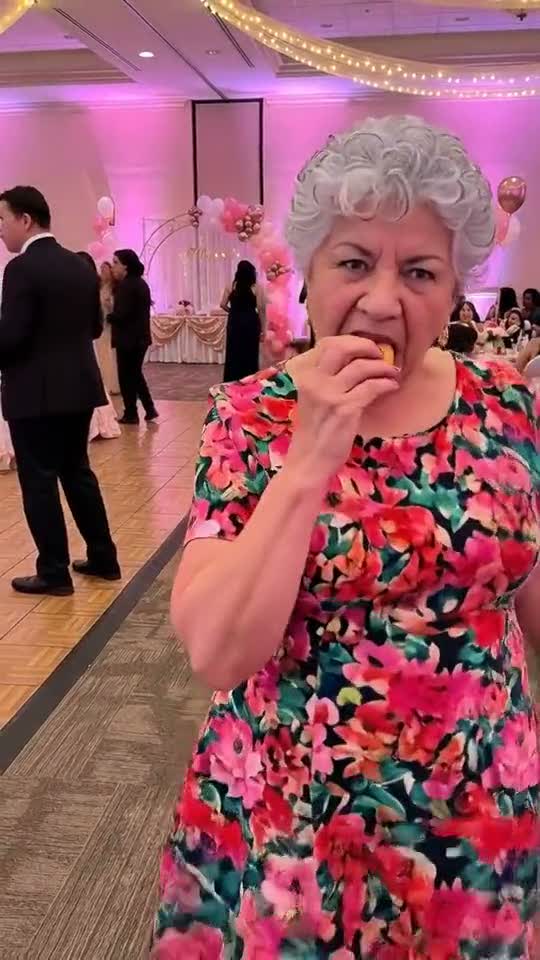
Dime Dime Baby AI Video
The person in your photo walks up to the camera, takes a big bite of a concha and dances at a party.
- Input
- One photo
- Output
- 10-second 720p video
Effect or prompt?
When to use an effect, and when to write your own
Use an effect
You want a known trend, fast, and the same routine every time. Upload your photo (or two) and you are done.
Write your own
You want a specific camera move, scene or model. Start from Image to Video, borrow a motion idea from the image to video prompts, or compare AI video models.
AI video effects FAQ
How effects work, cost and photo tips.
What is an AI video effect?
A ready-made video template. You upload a photo (two for Hotel Lobby), and the effect supplies the motion, scene and timing, so you do not need to write a prompt.
How is this different from image to video?
Image to video animates your photo from a prompt you write and lets you pick the model. An effect always produces the same routine, which makes it faster and more predictable for trends.
How much does an effect cost?
Each effect page shows its price in credits before you generate, and failed renders are refunded. Effects use your normal Froging AI credit balance.
What photos work best?
For dance effects, choose a clear photo with the face and body visible. For Need for Speed AI, use a well-lit front three-quarter photo that shows the whole vehicle.
Not sure where to start?
Hotel Lobby is the one to try with a friend or a pet.