OpenAI · Flare / Sunburst

GPT Image 2.6 Image Generator

Create an image from a prompt, or upload a photo and describe the edit. Choose Flare for quick drafts or Sunburst for detailed work.

  • Flare & Sunburst
  • Text or photo input
  • PNG · up to 4K

This generation uses 8 credits. New accounts start with 0 credits.

Image Preview

Your generated images will appear here.

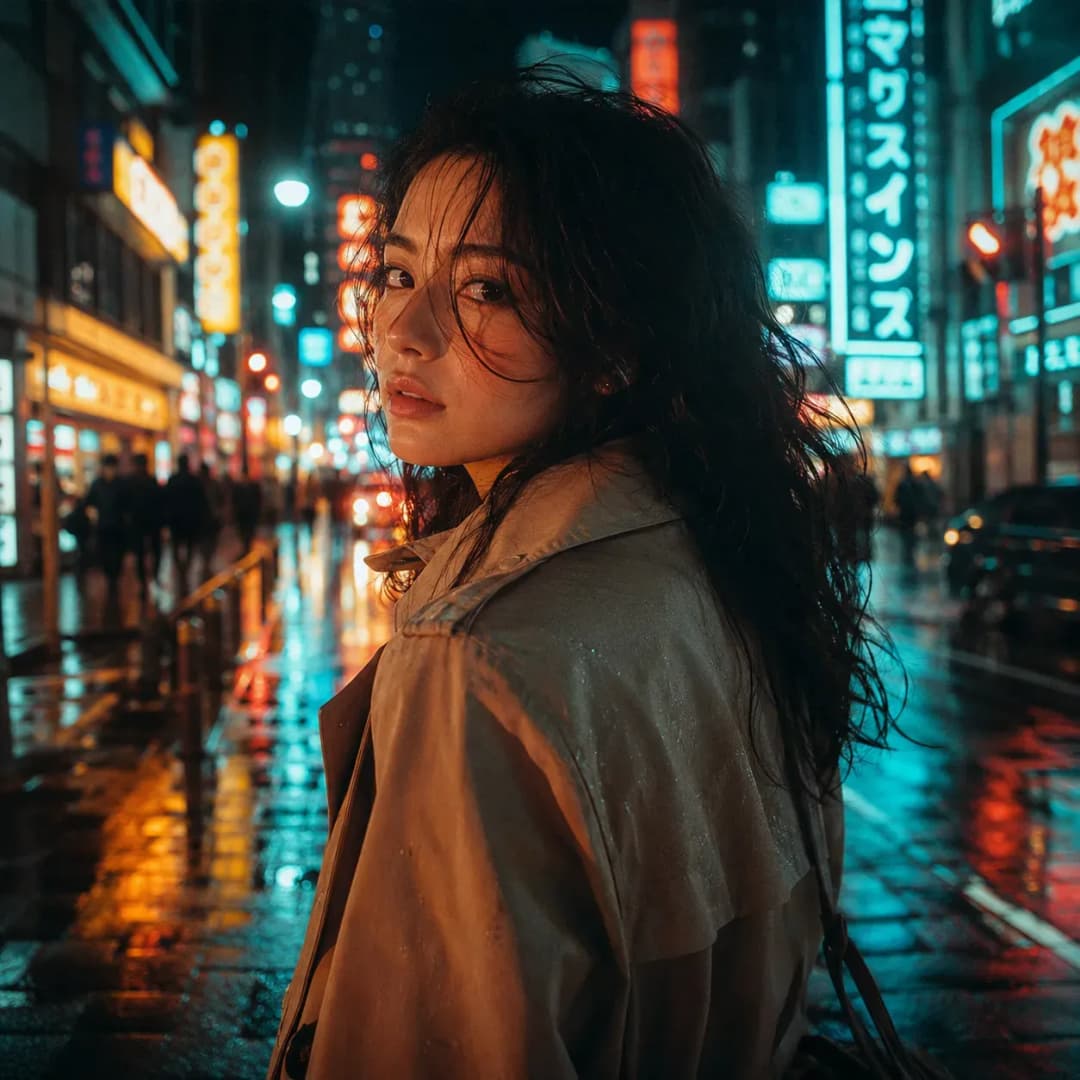
Illustrative studio preview. It is not a GPT Image 2.6 test result.

Illustrative studio preview. It is not a GPT Image 2.6 test result.

What you can do here

Page checked November 5, 2026

ChatGPT Images 2.6 is OpenAI’s November 4, 2026 image release. Froging AI offers both API models, Flare and Sunburst, in the same workspace. Both can generate a new image and edit a reference photo.

For a product ad, start with a clear photo and request a new background. For a poster, describe the layout and leave space for the final headline. Upload one reference per task; save a useful result before starting the next revision.

Flare or Sunburst?

Choose by the work in front of you. These are model selection guidelines, not results from a head-to-head test.

Flare or Sunburst?
SettingFlareSunburst
Start here forQuick drafts and layout ideasDetailed scenes and reference edits
InputPrompt or one uploaded photoPrompt or one uploaded photo
Output herePNG, 1K / 2K / 4KPNG, 1K / 2K / 4K
Credits per image: 1K / 2K / 4K8 / 12 / 208 / 12 / 20

2K and 4K require a subscription or a one-time credit purchase. The 27:16, 16:27, 9:8, and 8:9 ratios are 1K only. Check the cost on the Generate button before submitting.

Three briefs to start from

Use a brief below, then change the subject and setting. The editing brief needs your own reference photo. These prompts have not been benchmarked on 2.6.

GPT Image 2.6 Flare

Product ad with space for copy

Create a landscape image of an unbranded amber perfume bottle on ivory stone. Place the bottle in the right third. Soft morning light, a natural contact shadow, sand and olive colors. Leave the left third empty for ad copy. No text or logos.

Add the final headline in a design editor if the lettering must be exact.

GPT Image 2.6 Flare

A poster with one short headline

Design a portrait poster for a miniature-city exhibition. Exact headline: “SMALL WORLDS”. An intricate paper city on a midnight-blue background. Large headline at the top, generous margins, no other text.

Check spelling at full size. A convincing poster can still contain a wrong letter.

GPT Image 2.6 Sunburst

A new background for an existing product

Replace the background with a pale sage studio wall and an ivory tabletop. Preserve the product silhouette, label wording, cap, camera angle, and position from the reference. Add a soft contact shadow. Do not add props or redesign the packaging.

Compare the cap, label, and outline with the original before using the image.

From upload to a usable PNG

  1. 01

    Choose the input

    Use Text to Image for a new concept. Use Image to Image for an existing photo. Select Flare or Sunburst in the model menu.

  2. 02

    Specify the change

    Name the subject, framing, and light. In an edit, describe what changes and what stays. Choose the ratio, resolution, and background.

  3. 03

    Check before saving

    Inspect text, object shapes, and shadows. Download the result with the save control. If the edit damaged the subject, return to the original reference.

Questions before you generate

Costs, uploads, transparency, and output limits.

Is GPT Image 2.6 free?

Generation uses Froging AI credits: 8 for 1K, 12 for 2K, or 20 for 4K, for either model. This page does not offer unlimited free generation. 2K/4K require a subscription or one-time credit purchase.

Can I get a transparent PNG?

Yes. Select Transparent in the background control. Check hair, glass, soft shadows, and other fine edges against a contrasting background before using the cutout.

Can I keep editing the same image?

Yes, by uploading a saved result as the next reference. Each submission is a separate task. Keep the original and useful intermediate versions so you can undo an unwanted change.

Will labels and logos stay exactly the same?

Not necessarily. Check spelling, line breaks, logo geometry, and packaging proportions against the original. If those details must be exact, keep the real product layer and composite it onto a new background in an editor.

Is this the ChatGPT website?

No. Froging AI is an independent platform using OpenAI image models through a provider integration. Your ChatGPT subscription does not pay for Froging AI generations.

Editing a product photo?

Work through a background replacement brief and a checklist for labels, outlines, and shadows.

Read the product photo editing guide
Generate an image
Previous version: GPT Image 2.5FlareSunburst