Finding the composition
A rough arrangement of shapes can communicate placement more directly than a paragraph. If the problem is where the subject sits, a canvas offers a useful way to explore it before worrying about surface detail.
Krea’s realtime tools make the canvas part of the conversation. That is useful when you want to move shapes and see the image respond, rather than rewrite a prompt each time.
Generator powered by Froging AI · Independent of Krea AI
Sign up to create your first image free with Nano Banana 2 Lite.
Image Preview
Your generated images will appear here.
Explore Krea AI
Krea includes image and video tools, but its realtime interaction is the important distinction here. Realtime Edit responds to canvas changes; Realtime Video accepts supported live inputs. Those tools suit a process where the visual idea is still changing under your hands. A conventional generator instead gives you a result to inspect after submitting a request.
A rough arrangement of shapes can communicate placement more directly than a paragraph. If the problem is where the subject sits, a canvas offers a useful way to explore it before worrying about surface detail.
A palette or material change can alter the whole impression of a scene. Keep a version you like before moving on, so that a productive experiment does not disappear into the next one.
Krea’s Realtime Video is a separate experience from waiting for a rendered clip. Text, canvas, webcam, and screen inputs have different uses; choose based on what you want to control live.
A designer arranging a subject, background, and light may benefit from seeing those changes immediately. At this stage, quick visual comparison matters more than polishing every edge.
Once the composition is decided, write down its important properties. A saved brief makes later revisions easier to compare, whether the next tool is realtime or works one result at a time.
Describe the subject’s position, the empty space, and the direction of light. These decisions are easier to lose than the broad style of an image.
If the chair silhouette works, do not change it while testing fabric. If the building massing works, hold it steady while considering the evening light.
Save the selected image and a short note about what worked. The next task should begin from that decision, not from another vague request for a better-looking picture.
Made with Froging AI
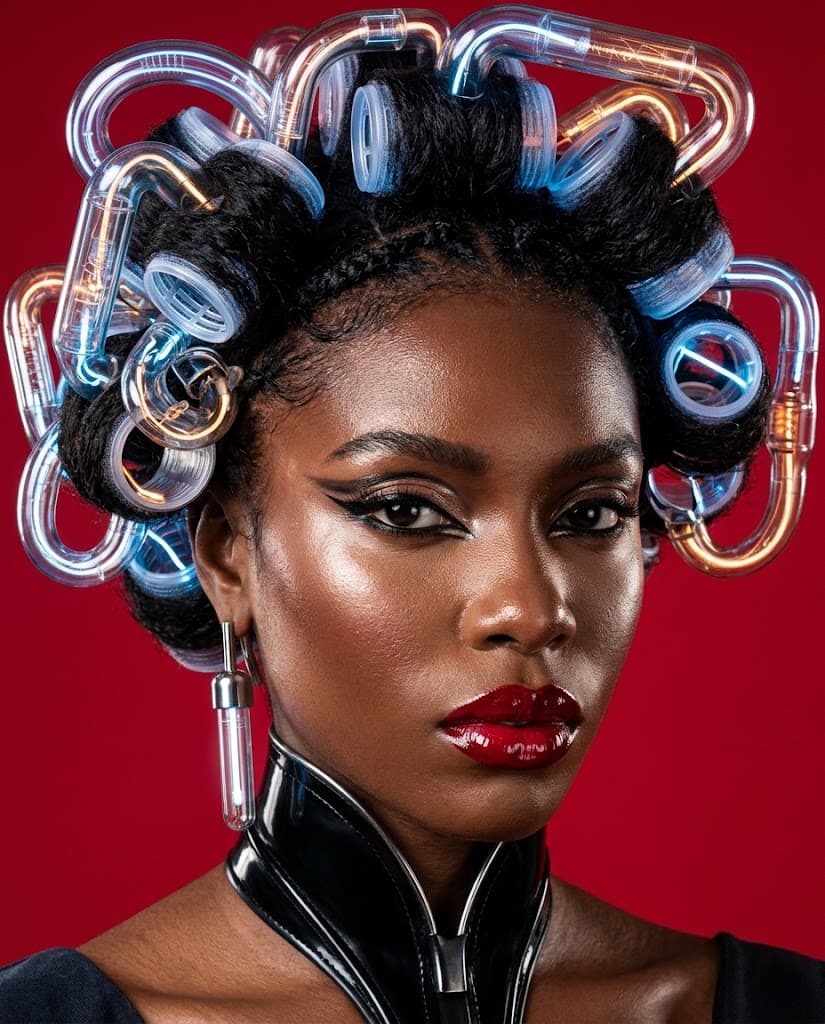
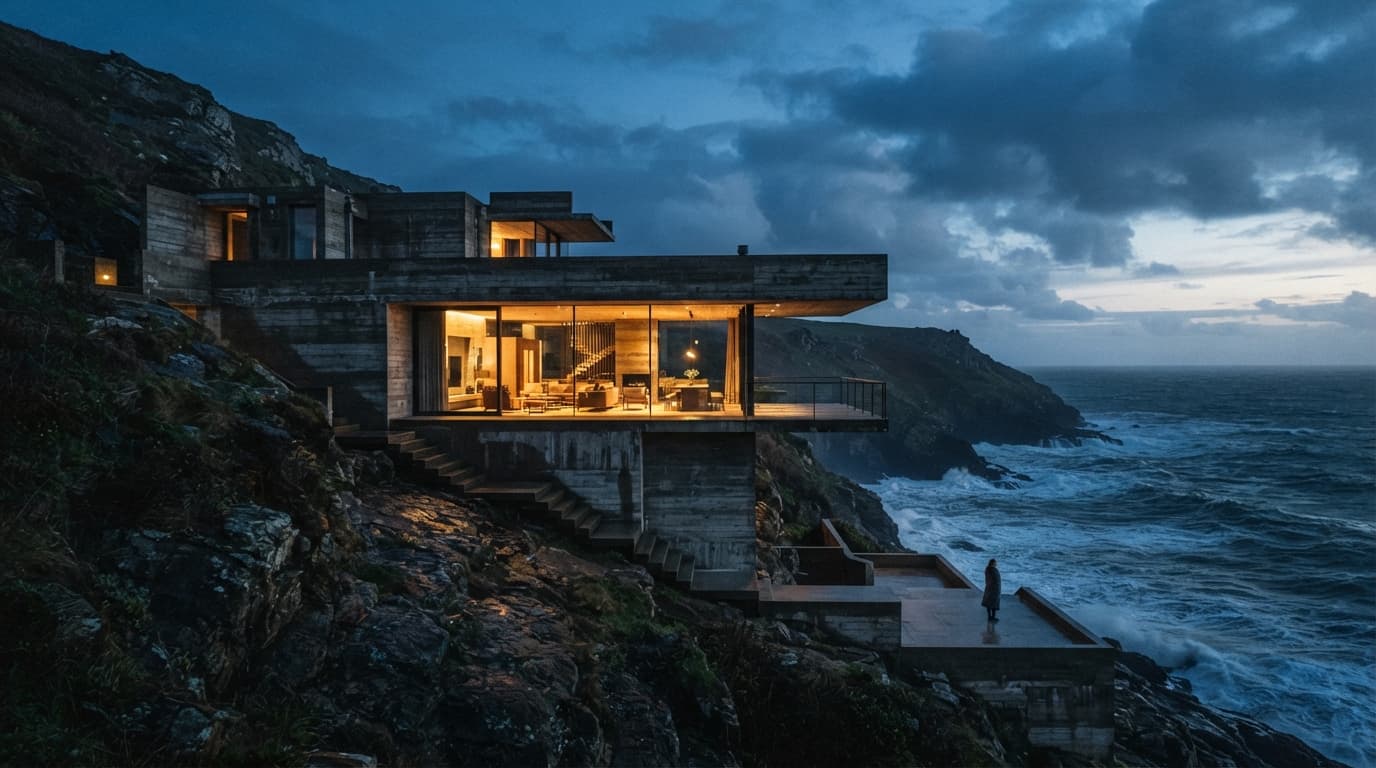
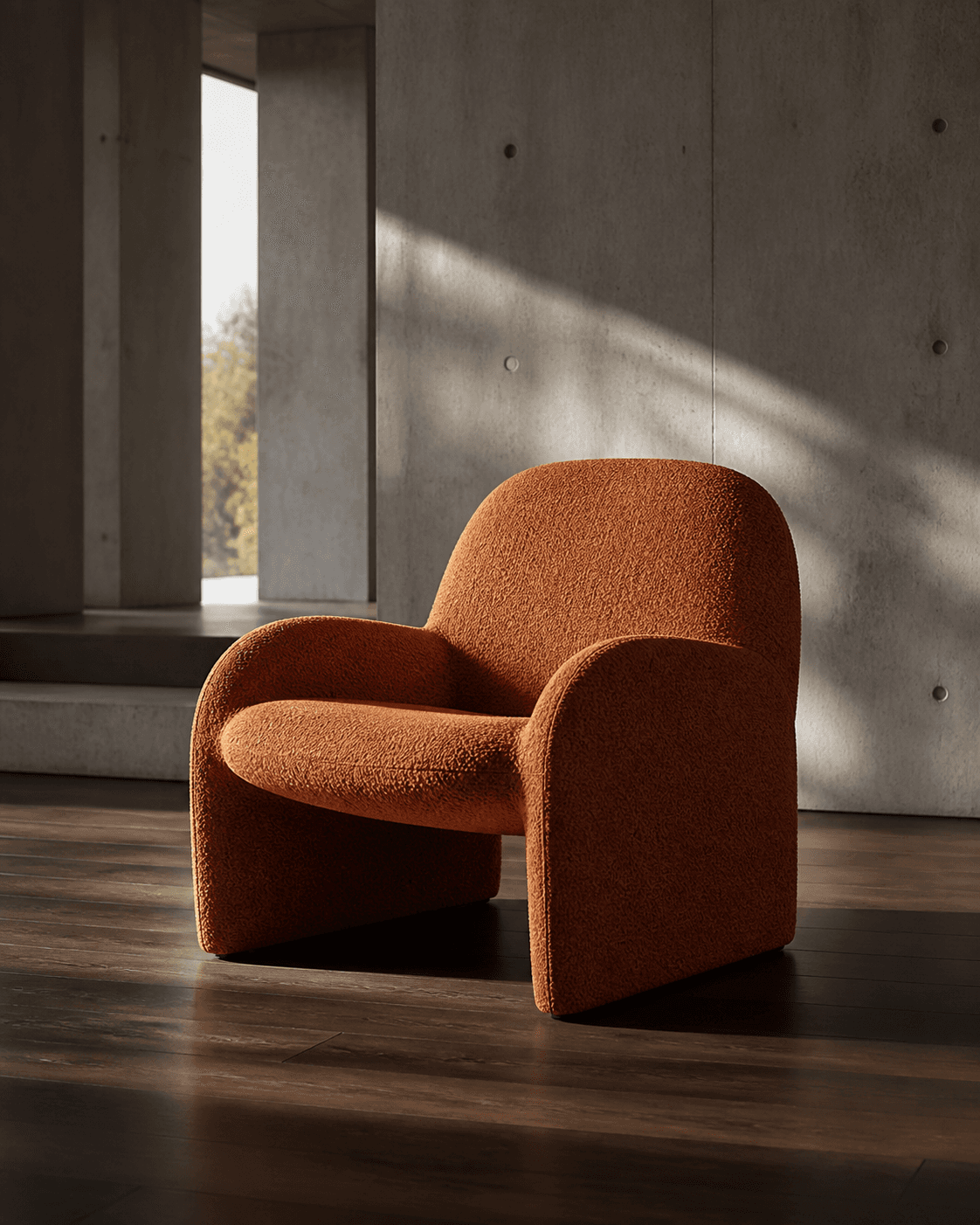
The fashion preview explores a strong material treatment. Below, architecture and furniture make two different composition problems visible. These are fixed generated images, not recordings of Krea’s realtime canvas.
Nano Banana 2 Lite
The building is a study in large shapes and warm-versus-cool light. Inspect the edges, openings, and horizon before getting distracted by the atmosphere.
Award-winning architectural photograph of a dramatic brutalist concrete house embedded into a windswept coastal cliff, warm interior light glowing through floor-to-ceiling glass, rough ocean below, tiny human figure for scale, blue-hour sky, restrained cinematic color, realistic materials, wide editorial composition, no text, no watermark
Nano Banana 2
The chair isolates silhouette and fabric texture. This makes it easier to describe a later material edit without also changing the object’s position or proportions.
A sculptural lounge chair upholstered in burnt orange boucle fabric in a minimal concrete gallery interior, dark walnut floor, warm afternoon window light, long soft shadows, ultra-photorealistic furniture photography, no people, no text.
If you want to try image or video creation here, Froging provides its own generators. Here is how the workflows differ.
Swipe the table to compare both tools.
| What matters | Krea AI | Froging AI |
|---|---|---|
| Interaction | Includes a realtime canvas as well as other creative tools. | Submit a prompt, wait for the image, then review and revise. |
| Controlling composition | Realtime workflows accept drawing and other interactive inputs. | Describe framing, subject placement, lighting, and style in the prompt. |
| Editing a reference | Editing tools include its brush-driven Realtime Edit workflow. | Upload an image and describe the changes in the image editor. |
| Moving to video | Includes generated video and a separate realtime video experience. | Open Image to Video with a finished frame to generate a discrete clip. |
| Best workflow match | Hands-on, live exploration when realtime interaction is required. | Image drafts and directed edits that you want to evaluate one result at a time. |
Product descriptions are based on published information, not a hands-on comparison. Available options depend on the tool, model, and plan.
Realtime Edit uses a canvas that responds to brushstrokes. It lets you guide an image through direct visual interaction rather than relying entirely on successive written prompts.
Krea describes realtime video inputs including text, painting on a canvas, webcam, and screen feeds. Check the current product for supported options and access.
No. A realtime canvas responds during interaction. A conventional image-to-video workflow takes a reference and instructions, then generates a discrete clip for you to review.
No. This page includes Froging AI’s prompt-based image generator. It creates individual results and does not provide Krea’s realtime painting or live-input tools.
Check the generation cost before you start.
Try Froging image generation