Start with the base model
A model name is not a complete setup. Record the version as well. Before adding another resource, check whether it is intended for that base model; visually similar examples do not prove compatibility.
On Civitai, finding the right model can matter as much as writing the prompt. Learn what to look for in a model page, a LoRA, and a shared image’s settings.
Generator powered by Froging AI · Independent of Civitai
Sign up to create your first image free with Nano Banana 2 Lite.
Image Preview
Your generated images will appear here.
Explore Civitai
Civitai is a community for image models and the work made with them. A gallery image may point to a checkpoint, one or more LoRAs, and generation settings. The useful part is the connection between the picture and its setup: it gives you something to investigate when a short prompt alone does not explain the result.
A model name is not a complete setup. Record the version as well. Before adding another resource, check whether it is intended for that base model; visually similar examples do not prove compatibility.
A LoRA adapts a compatible model toward a subject or visual behavior. Adding several at once makes it harder to tell which one changed the result. Start with a small, understandable setup.
When a creator includes generation details, use them to understand the image. The prompt, model, and settings belong together. Copying only the words leaves out part of the explanation.
Instead of asking for a vaguely similar image, decide what you want to learn: does this resource handle a full-body pose, a night scene, or a different material? A specific question gives the variation a purpose.
Keep a short subject description and framing rule fixed. Compare the changes in anatomy, color, and background treatment. This is more informative than choosing unrelated favorite images from each gallery.
Take a promising setup from portrait to full-body framing, or from a simple background to a busy street. The point is to find where it remains useful for your project, not to collect more attractive thumbnails.
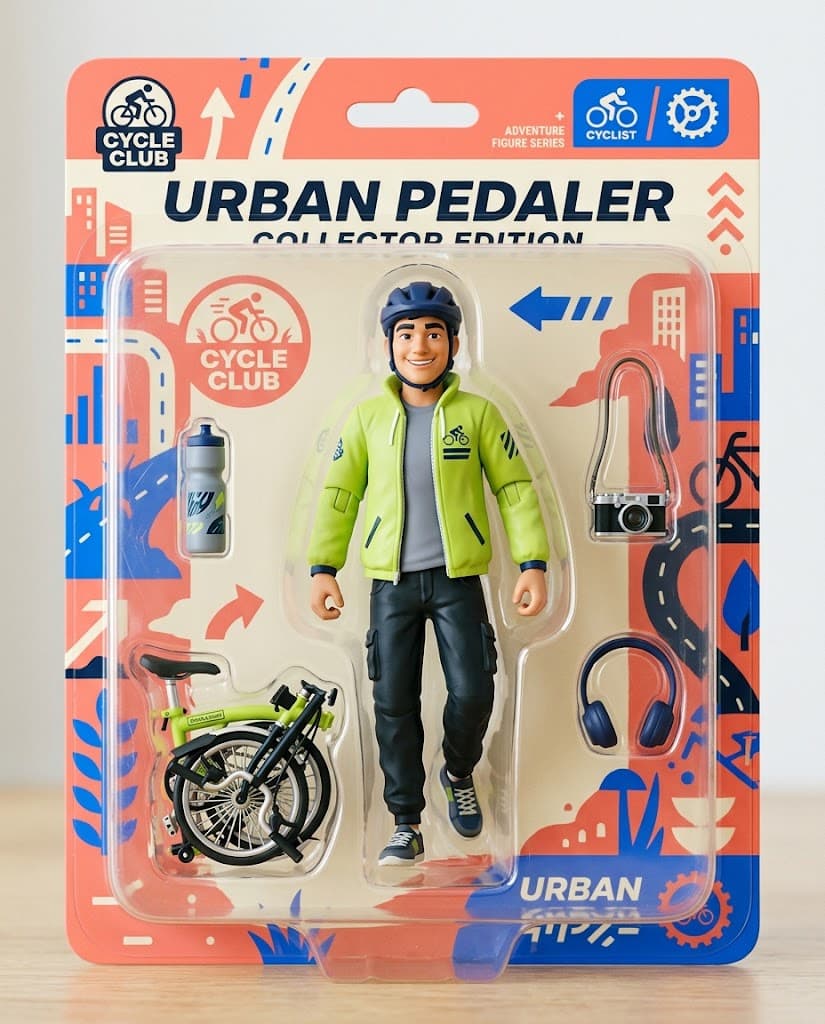
For example: “Can this setup keep the figure readable in a crowded package?” State the requirement before changing the prompt.
Hold the subject and crop steady while changing a resource or setting. If everything changes together, a stronger image tells you very little about why it improved.
Save the output with the resource versions and settings you used. Include a short note about the failed attempt too; it may explain where the setup stops being useful.
Made with Froging AI
The collectible preview, forest portrait, and city scene show three distinct image tasks in Froging. They illustrate subjects you might research in a model library, not results from Civitai resources.
Seedream 5 Pro
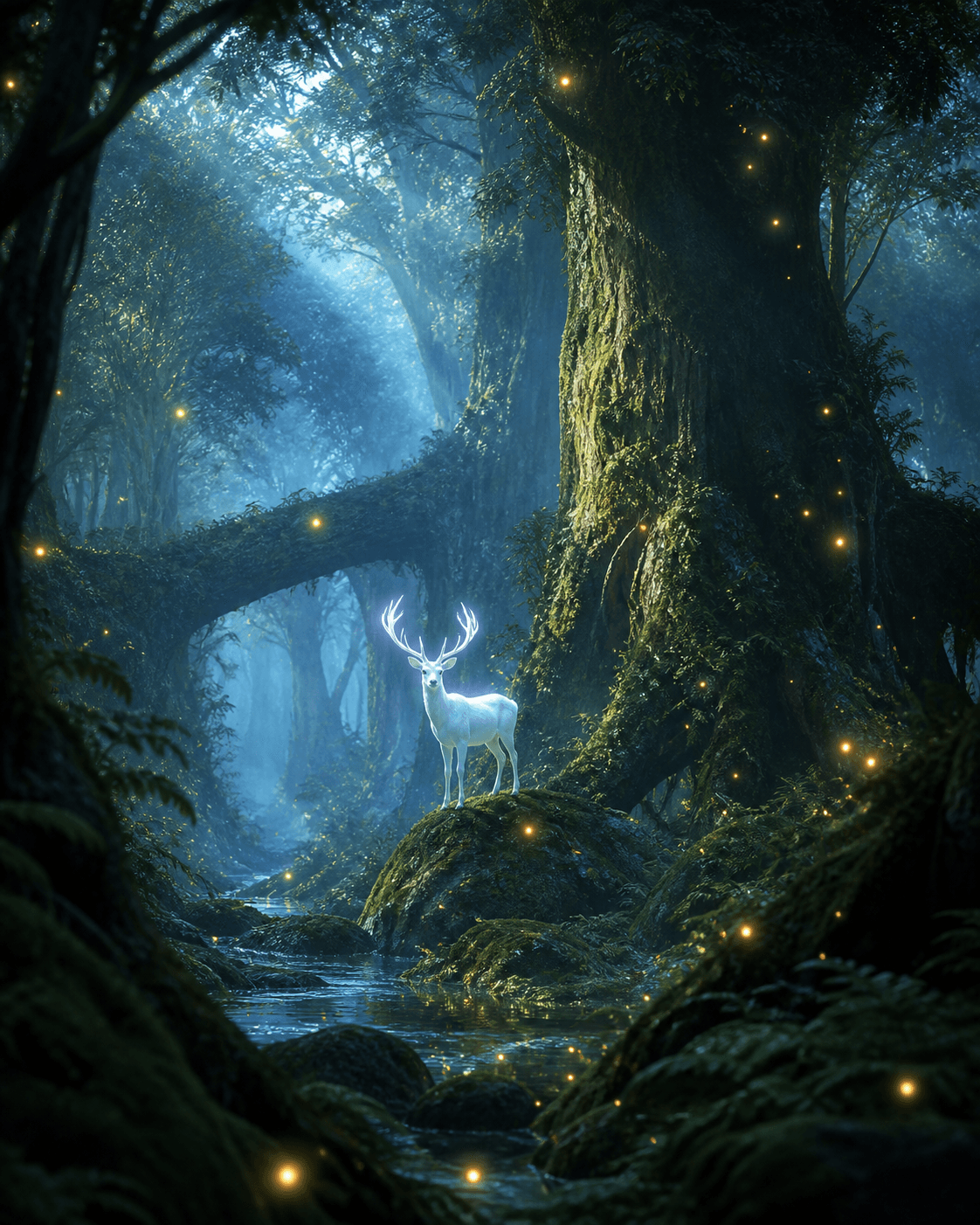
The stag combines an animal silhouette, fine antler detail, and a layered background. Those are separate requirements to look for when comparing related examples.
A luminous white stag standing in an ancient misty forest with giant moss-covered trees and floating golden fireflies, cinematic magical realism, cool blue dawn, warm firefly accents, soft god rays, highly detailed, no text.

Seedream 5 Pro
A dense city asks for depth and a readable focal point. Examine the large perspective lines before judging small signs or decorative lights.
A futuristic megacity at night filled with flying vehicles, holographic skyscrapers, glowing neon streets after rain, cinematic science fiction, realistic architecture, dramatic atmosphere, ultra detailed, no text.
If you want to try image or video creation here, Froging provides its own generators. Here is how the workflows differ.
Swipe the table to compare both tools.
| What matters | Civitai | Froging AI |
|---|---|---|
| Starting point | Community resources and shared image setups. | A prompt or reference in a hosted generator. |
| Model customization | Checkpoints and compatible LoRA resources. | Models offered in the generator; no custom LoRA uploads. |
| Exploration | Browse and remix community examples. | Try curated examples and edit their prompts. |
| Next step | Continue resource-specific experimentation. | Edit an image or animate a chosen frame. |
Product descriptions are based on published information, not a hands-on comparison. Available options depend on the tool, model, and plan.
The model, resource versions, settings, and random variation all influence the result. A prompt alone does not capture the complete setup.
Look beyond the overall style. Check the composition, small details, and disclosed settings, then run a modest test that matches your own brief.
No. This page runs Froging AI’s supported image models and does not import Civitai checkpoints or LoRAs.
Check the generation cost before you start.
Try Froging image generation