Transparent backgrounds
It can output PNGs with a real alpha channel, which helps with product cutouts, stickers and icons. Decide whether you want a cutout or a full scene before you write the prompt.
Image model · Qwen
Generate images from text or edit a photo, with transparent PNG output.
Qwen Image 2.1 does both generation and editing, and it can return images with a real transparent background. This page covers what you can use on Froging, a few prompts to start from, and what to look for in the results.
Available on Froging AI · Text to image and single-reference editing · 1K / 2K
New accounts receive 20 free credits; this setup uses 8.
Image Preview
Your generated images will appear here.
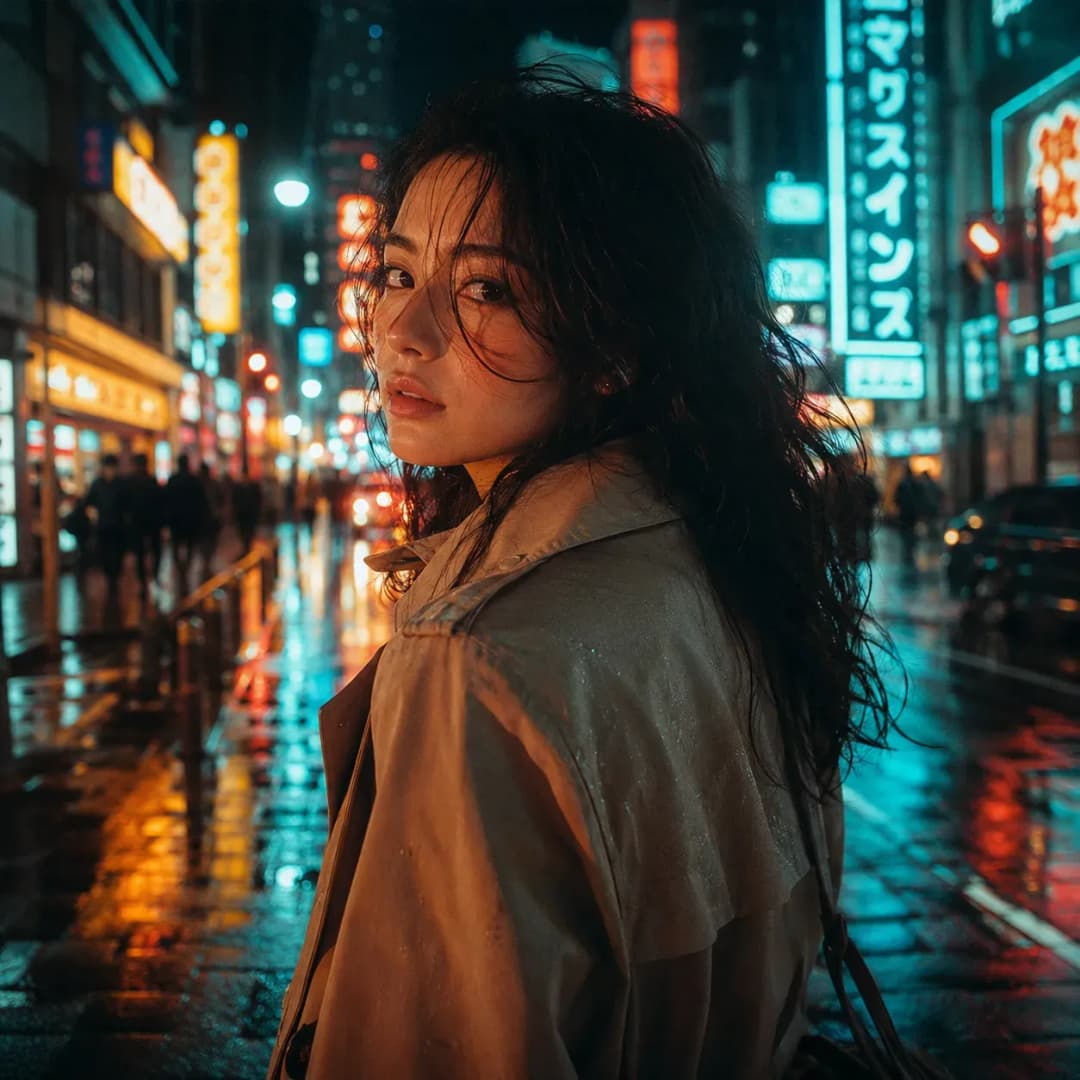
According to Qwen, the model outputs native 2K images, accepts up to 10 reference images, and can edit a specific region of a picture. Apps built on it do not always expose all of that. On Froging you get text to image and editing with one reference image, at 1K or 2K.
It can output PNGs with a real alpha channel, which helps with product cutouts, stickers and icons. Decide whether you want a cutout or a full scene before you write the prompt.
Say exactly what should change and list what should stay the same. If you are replacing a jacket, mention the face, hands and background too.
When you upload a reference, tell the model what to take from it, whether that is the subject, the material or the setting. Otherwise it may copy more than you wanted.
Prompt examples
We wrote these as starting points, and they are not tested outputs. Each one comes with a quick check so you can decide whether to keep the result or try again.
Create a transparent RGBA image of a small amber perfume bottle with an unbranded cream label, straight-on view, soft studio highlights, the entire cap and base visible. Keep the background fully transparent and leave space around the silhouette. No floor, lettering, or decorative props.
What to check: Put the PNG on a dark background and then a light one. Look for a halo around the glass, cut-off edges, and stray pixels outside the bottle. If it came back on a white background, the prompt did not work, even if the bottle looks good.
In the supplied portrait, replace only the blue jacket with a dark olive canvas jacket. Preserve the face, hair, pose, hands, framing, and background. Match the original direction of light. Keep the jacket seams plausible and do not add accessories.
What to check: Look at the face and hands before the jacket. If the person or the framing changed, ask for a smaller change next time. Froging does not support masks yet, so name the area clearly in the prompt, especially around hair and fingers.
Use the supplied photo of the ceramic mug. Keep the mug shape, glaze, handle and rim exactly as they are. Place it on a walnut desk next to a folded linen napkin, with soft window light from the left. Do not add any other objects.
What to check: Check the handle and rim first, then the size of the mug next to the napkin and the shadow where it touches the desk. If the mug itself changed, cut the prompt down to the scene change only and try again.
The model can also run locally through ComfyUI or Diffusers. Make sure you have the right checkpoint, because tools with similar names may run a different version. If you would rather not install anything, use the generator on this page.
Choose Qwen Image 2.1 in the generator above. Write a prompt, or switch to image to image and upload one photo. Pick 1K or 2K and an opaque or transparent background. You always get a PNG. Multiple references and mask uploads are not available yet.
Before you generate, write down what the image is for and the two or three things that matter most. For a product listing that might be the outline and a clean edge. For a poster it might be empty space for the headline. Check those first, then look at the style.
If the composition works but the lighting does not, rewrite only the lighting. If you change the subject, angle, materials and mood all at once, you will not know which change helped. Save the prompt next to each download so you can go back to a version you liked.
For edits, describe the change and then list what should stay the same. The model will not always follow that list, so check the outline, hands, text and background every time. If the image drifts too far, go back to your original photo instead of editing the edited one again.
Pick the aspect ratio before you work on details. A wide banner and a tall product card need different layouts, even for the same product. Say where the subject should sit and where you need empty space. If you need two different images, write two prompts.
Check transparent images on the background you will actually use. Hair, glass, reflections and soft shadows are where edges usually go wrong. Keep the file as a PNG when you move it into another tool, or you will lose the transparency.
To compare two attempts, look at them at the same size and crop. You can put your downloads side by side with the free image stitcher, which places them next to each other without changing them.
What the model does, what Froging supports, and what it costs.
An image generation and editing model from the Qwen team. The 7B parameter figure Qwen publishes refers to the image generation component, not the whole pipeline.
Yes. It can generate RGBA images, edit images that already have transparency, and cut out subjects. On Froging, choose Transparent under Background. To check a result, open the PNG in an image editor. If you see a gray and white checkerboard baked into the picture, the background is not actually transparent.
Qwen says the model accepts up to 10 reference images and can edit areas marked with annotations or masks. On Froging you can upload one reference image, and mask upload is not available yet.
Yes. Choose Qwen Image 2.1 in the image generator. You can generate from text or edit one reference image, at 1K or 2K, with an opaque or transparent background. It costs 8 credits at 1K and 12 at 2K. 2K needs a paid plan or a credit pack.
No. We wrote them as examples for you to adapt. They are not benchmark results and we are not showing generated images for them. Use the check under each prompt to judge your own results.
Compare other image and video models, or browse the prompt library for ideas.
Model details checked against Qwen's published information on September 29, 2026. We have not run our own benchmarks.