Froging AI
ホーム

GPT Image 2.5 Flare:素早い画像生成と編集

広告案やSNS画像の候補を素早く比較するためのFlare。被写体を固定し、背景や照明を一つずつ変えて案を探します。

必要なクレジットは、選ぶモデルと設定によって変わります。

作例

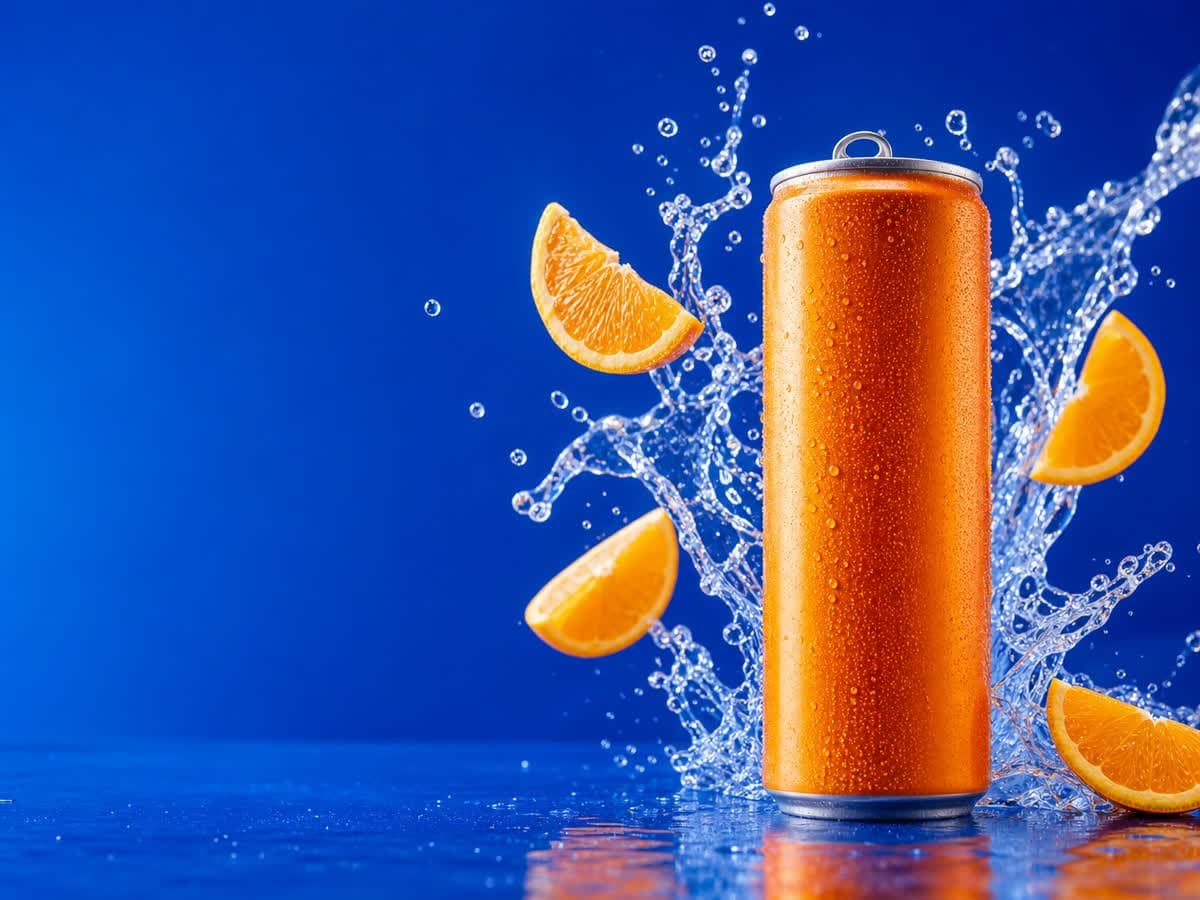
缶を右に置き、左の青い余白を広告文用に確保しながら、オレンジの輪切り、結露、水しぶきで爽やかさを表現します。

GPT Image 2.5 Flare

見出し用の余白を残したソーダ広告

缶を右に置き、左の青い余白を広告文用に確保しながら、オレンジの輪切り、結露、水しぶきで爽やかさを表現します。

元のプロンプトを読む

High-end citrus soda campaign photograph, a single unbranded brushed-aluminum slim can with a vivid tangerine orange body on the right third of a wide frame, floating orange slices and a dramatic clear sparkling water splash curling behind the can, a few suspended droplets, rich electric cobalt-blue seamless background and glossy blue surface, crisp hard studio lighting, premium realistic condensation, silver pull tab and precise cylindrical shape, left third mostly clean blue negative space for later ad typography, sharp commercial product photography, highly legible composition, no writing, no letters, no logos, no watermark. Landscape 4:3 composition.
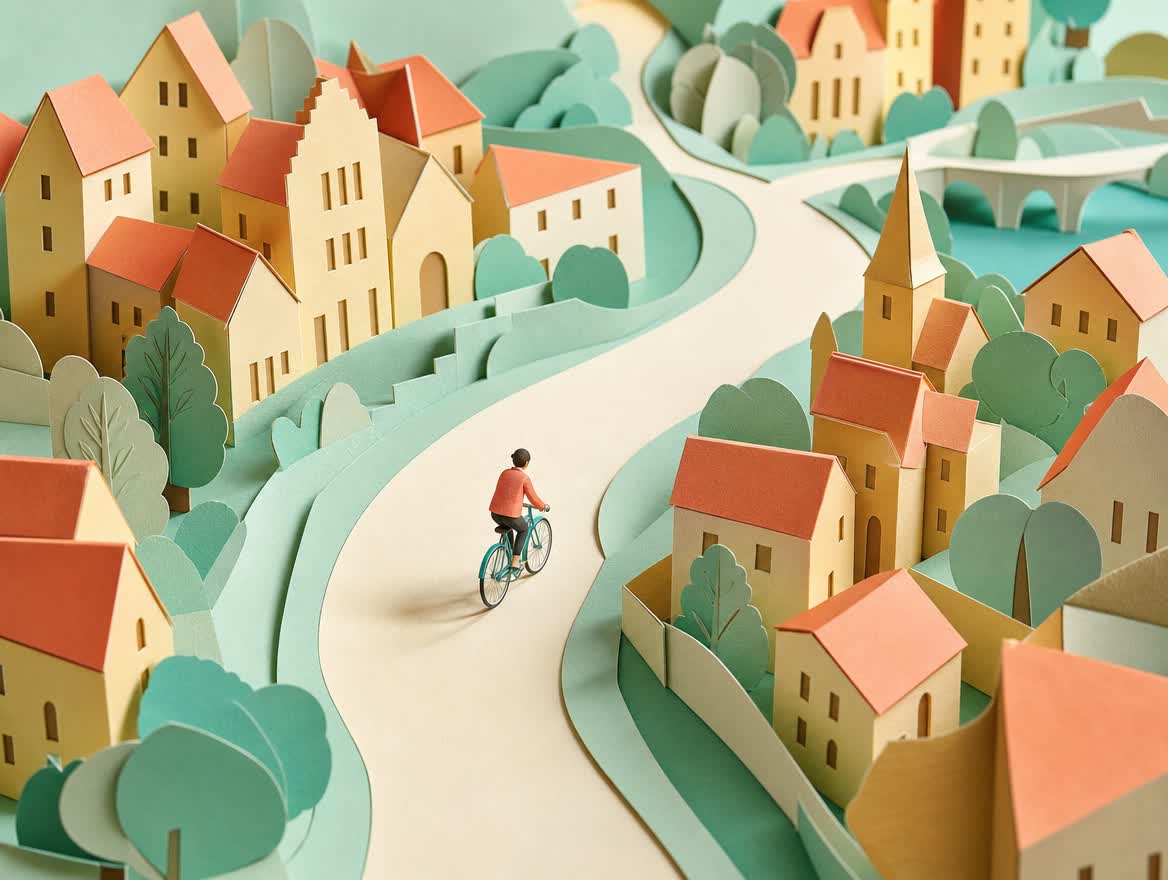
重ねた紙、絞ったパステル配色、曲がりくねる道で一体感を生み、素材と視点をそろえることでシリーズの画風を展開できます。

GPT Image 2.5 Flare

紙の重なりで描くパステルの風景

重ねた紙、絞ったパステル配色、曲がりくねる道で一体感を生み、素材と視点をそろえることでシリーズの画風を展開できます。

元のプロンプトを読む

Editorial paper-cut illustration for an urban cycling campaign. A single small rider in a coral jacket on a simple teal bicycle follows a broad curving cream path through a miniature city of folded pastel paper houses, apricot rooftops, mint trees and butter-yellow walls. Three-quarter overhead view, tactile layered cardstock with visible cut edges and soft cast shadows, restrained coral mint cream palette, warm diffuse morning light, playful confident art direction, sweeping diagonal composition, no brands, no signage, no text, no watermark. Landscape 4:3 composition, coherent bicycle silhouette, rider small enough to read as a graphic shape, handmade paper world rather than photorealism.

構想を素早く試すFlare

OpenAIはFlareを、速度を重視する日常的な画像生成・編集向けと説明しています。文章からの新規生成にも画像入力による編集にも対応します。商品の広告案やSNS画像など、制作方針を探る段階で複数の候補を比較する用途が中心です。

商品は同じまま背景と光を比べる

ボトルの色や形を固定し、無地のスタジオとキッチンの背景を比較します。次に暖かな窓の光と冷たいスタジオ照明を試します。「高級感」だけでなく光源と2〜3色を指定し、見出しを置く側には余白を設けます。

一度に変える指示は一つ

構図が良ければ背景だけを直し、毎回プロンプト全体を書き換えないようにします。速いモデルでも再試行は必要です。形状や文字を確認し、候補画像と指示を保存。細部を保つ編集が主目的なら、より時間をかけるSunburstも検討します。

よくある質問

広告案やSNS画像の候補を素早く比較するためのFlare。被写体を固定し、背景や照明を一つずつ変えて案を探します。

Flareはどんな制作に向いていますか?

広告案、SNS画像、背景や照明の候補を比較する日常的な生成・編集です。まず構図を決めてから色や場所を変えると比較しやすくなります。

Flareでも写真を編集できますか?

はい。OpenAIは文章と画像の入力を案内しており、新規画像専用ではありません。編集では残したい被写体も指示します。

FlareとSunburstはどう選びますか?

速い試作にはFlare、時間より細かな編集を重視する場合はSunburstが候補です。どちらも生成と編集が可能で、正確な文字や形の保持は確認が必要です。

関連ページ